Connect the meeting
The host connects Zoom, chooses a Canvas or Atlas, and starts the shared Clarimind experience.
Zoom integration preview
Clarimind is proving a separately released Zoom surface for account-owned Canvases and Atlases. When that integration is enabled, the room can orient around one evolving structure and continue from it after the meeting.
The browser-local Canvas trial does not include meeting integration, sharing, collaboration, or AI. Zoom availability is controlled separately from account plans.
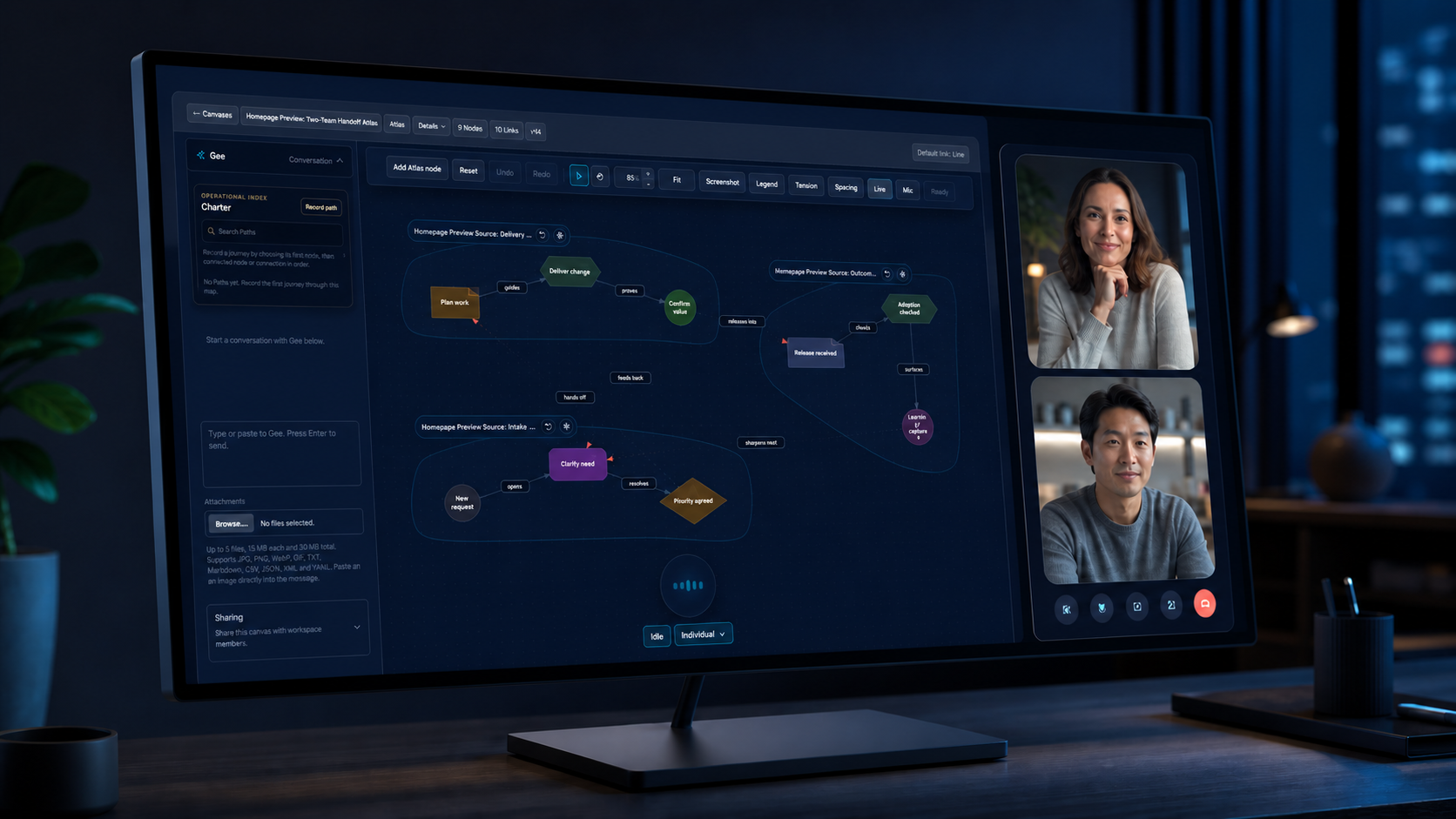
The host connects Zoom, chooses a Canvas or Atlas, and starts the shared Clarimind experience.
Participants can join the shared surface and follow live presence, pointers, moves, and permitted edits.
The map keeps its history, structure, access controls, and place in the wider workspace after the call.
From one call to the whole system
Use a Path to light up the journey under discussion. Keep the wider Atlas close enough to answer dependency questions without forcing everyone to stare at the entire graph.
Explore Atlas and PathsMeeting participants can enter the shared collaboration flow without first navigating a separate Clarimind workspace.
The host selects the model and retains the established Clarimind access and AI policy boundaries.
Pointers, dragging, and graph changes converge around one authoritative Canvas.
The same Canvas can be reopened on the web, shared deliberately, or composed into an Atlas.
Start with one process, architecture review, discovery session, or decision that needs a shared shape.