Canvas
Understand one subject properly.
Turn a conversation, meeting, or source collection into an editable visual model.
Atlas and Paths
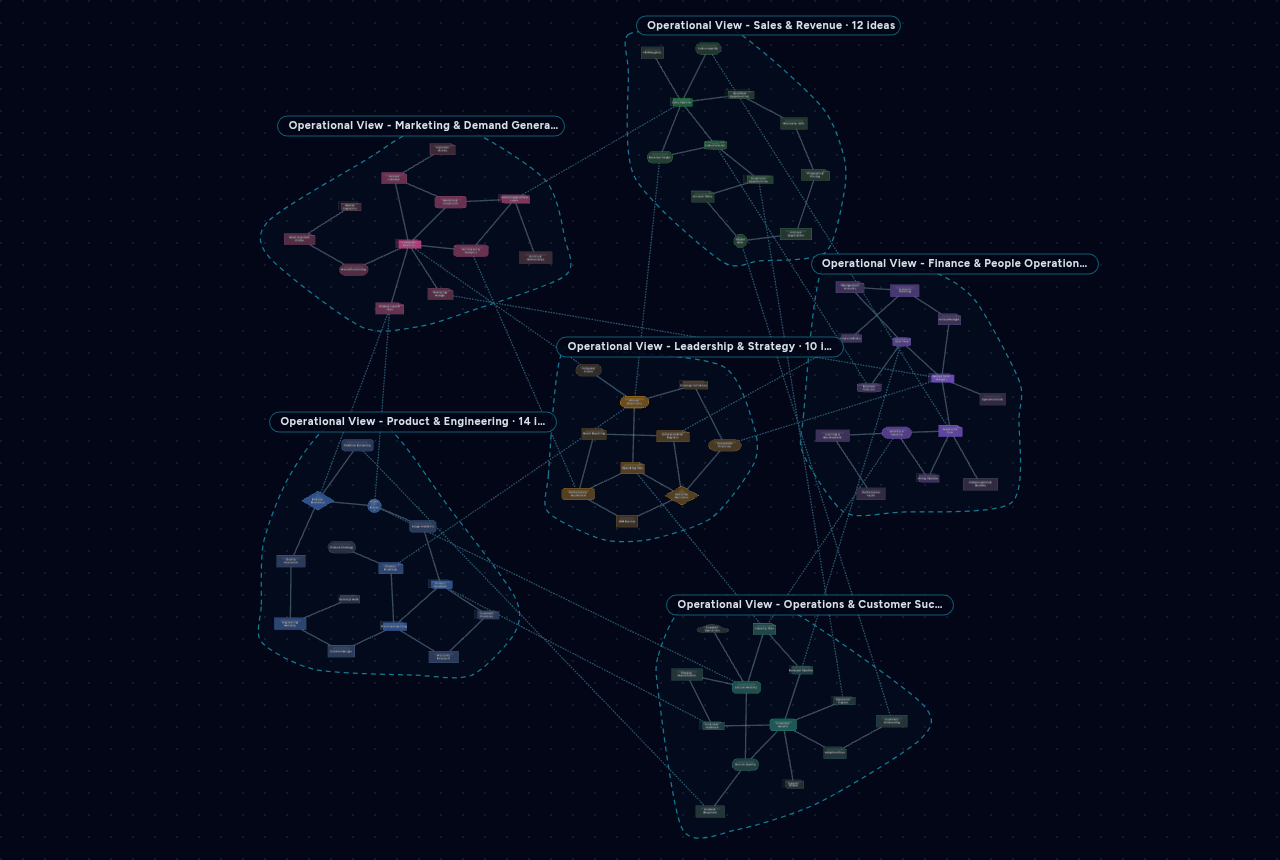
An Atlas connects focused Canvases without flattening their detail. Paths then trace a real journey through the wider model so teams can investigate handoffs, dependencies, decisions, and failure routes.
Questions the model can answer
Canvas
Turn a conversation, meeting, or source collection into an editable visual model.
Atlas
Bring focused Canvases together without flattening their detail.
Paths
Light up one real journey through the model while unrelated structure recedes.
Interactive Atlas
This independent preview resets on reload and contains no customer or workspace data.
Drag nodes or the background. Scroll or pinch to zoom.
Paths make complexity traversable
A large graph stores context. A Path turns that context into a route people can follow from trigger to outcome while keeping the underlying model intact.
Follow triage, ownership, authorisation, action, evidence, and feedback across the teams involved.
Expose the commercial and operational handoffs that join demand, fulfilment, finance, and customer success.
Trace an operational event through review, approval, execution, validation, and retained evidence.
See which systems, people, and dependent processes a proposed change will touch.
Composition without flattening
The same Canvas can appear in more than one Atlas. Source-owned concepts retain their identity, while Atlas-local concepts and cross-Canvas relationships give the composed view its own useful context.
Each team or subject keeps a workable local map rather than becoming a flattened section of one giant board.
Compose different Atlases around delivery, architecture, customers, risk, strategy, or another real question.
Connect concepts that live in different Canvases while preserving where each concept came from.
Ask about the combined system while Gee receives the ownership-aware Atlas context.
Start with one real subject
Build focused models first. Connect them when the relationships matter, then use Paths to make the operational journey legible.