Canvas
Understand one subject properly.
Turn one subject into an editable visual model with real Clarimind nodes, relationships, shapes, and colour.
A living visual model for complex work
Start with a real editable Canvas in this browser, without an account. Create a free account when you want to keep work across devices and unlock workspace features such as sharing, Atlas and Paths. Gee is optional, requires an account, and uses credits.
A guest Canvas stays in this browser and uses no AI. A free account can preserve it across devices and includes up to three editable Canvases with manual editing and sharing. Gee’s transcription and mapping use credits; paid plans add a monthly AI allowance, unlimited Canvases and 30-day deleted-Canvas recovery.
Manual Canvas begins free. Create a free account to keep your work and receive 50 AI credits to try Gee.
Drag nodes or the background. Scroll or pinch to zoom.
Canvas
Turn one subject into an editable visual model with real Clarimind nodes, relationships, shapes, and colour.
Atlas
Keep each team’s focused Canvas intact, then see the handoffs and feedback relationships between them.
Paths
Choose a real journey through the same Atlas. Its start, decisions, handoffs, evidence, and outcome stay bright while the wider model recedes.
One operational journey
Follow a customer signal through triage, authorisation, action, evidence, and service learning. A Path keeps the important handoffs bright while the rest of the system remains available around it.
Drag nodes or the background. Scroll or pinch to zoom.
Collaboration where the conversation happens
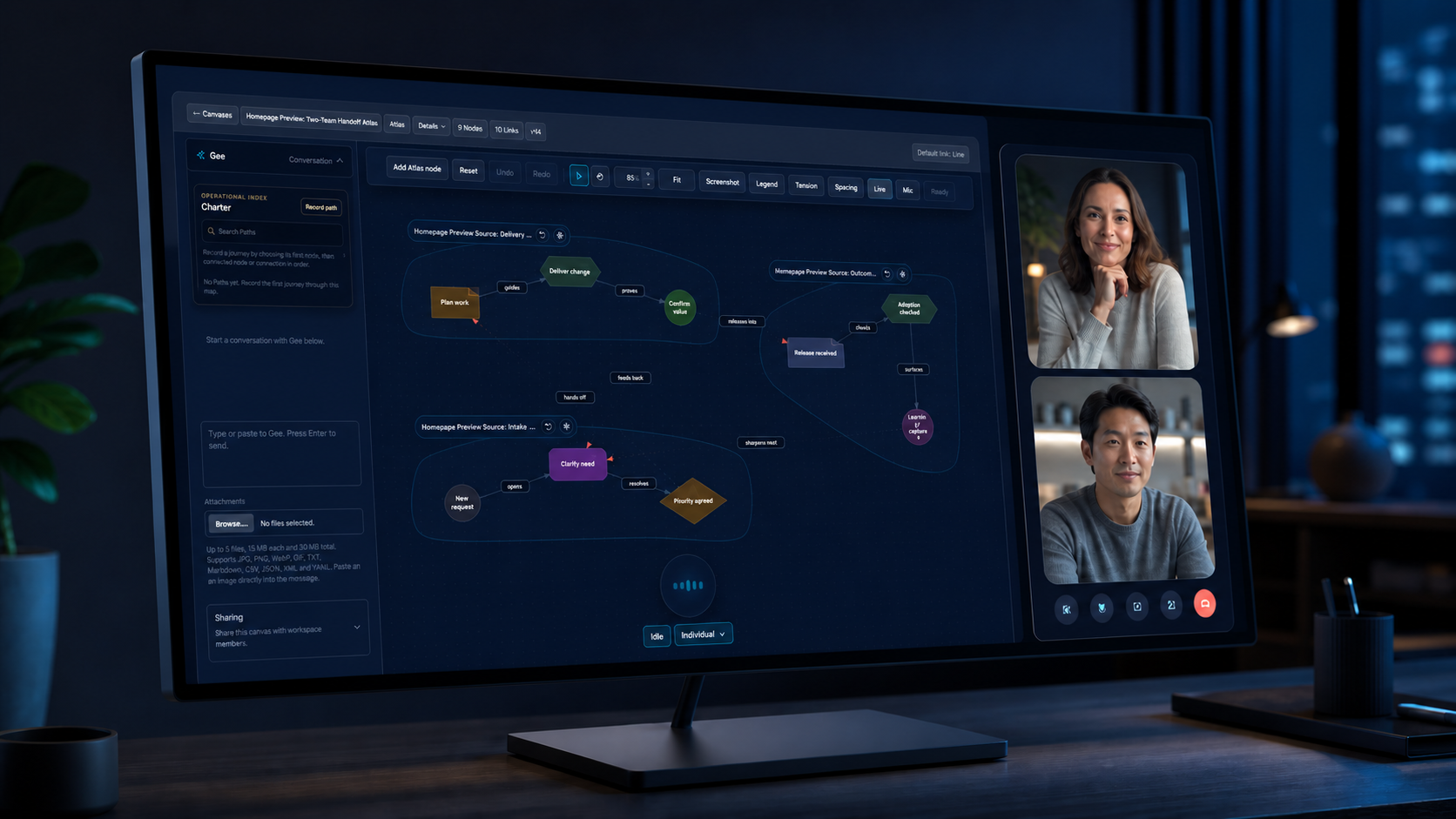
Participants can see, point to, move, and correct the shared Canvas during a call. Afterwards, the map remains editable and can join a wider Atlas instead of disappearing into meeting notes.
During
Shared presence and visible changes.
After
Decisions and dependencies stay connected.
Across
Canvases join an Atlas and Paths cross domains.
Record voice or add a transcript, then let Gee propose the concepts and relationships.
Map readable source collections while retaining the ability to inspect and correct the result.
Bring structured business material and sequential slides into one relational view.
Review a software system as an application overview, operational process, or domain and model landscape.
Gee changes objects on the Canvas where people can inspect, undo, reconnect, rename, or remove them.
Reopen the map, continue the work, share it deliberately, or compose it into a larger Atlas.
Trust is part of the medium
Guest work stays in this browser, without server persistence, sharing, collaboration, or AI.
Account work starts inside an authenticated workspace and sharing is deliberate.
Recorded audio is discarded after transcription; the transcript remains under your control.
Generated graph operations can be inspected, corrected, undone, and continued from.
People retain control of the model, membership, sharing, history, and deletion.
For teams and organisations
Start a browser-local Canvas yourself, or create an account when you are ready for a lasting workspace. Talk to us separately about Atlas or meeting-integration work.
For individual reflection
Reflection is a distinct private lane for mapping your own account of thoughts, feelings, events, and responses.
Explore Reflection